Vivimate IPTV on Windows PC or Mac — setup guide
Vivimate on a computer gives you two routes. IPTV Smarters Pro gives you the full setup with a proper guide and on-demand. VLC is the quick option if you just want to paste a Vivimate link and watch. This walks through Smarters, with the VLC shortcut at the end.
Install IPTV Smarters Pro
Download it from the official site, run the installer, and accept the player terms on first launch.
- 1
Download IPTV Smarters Pro
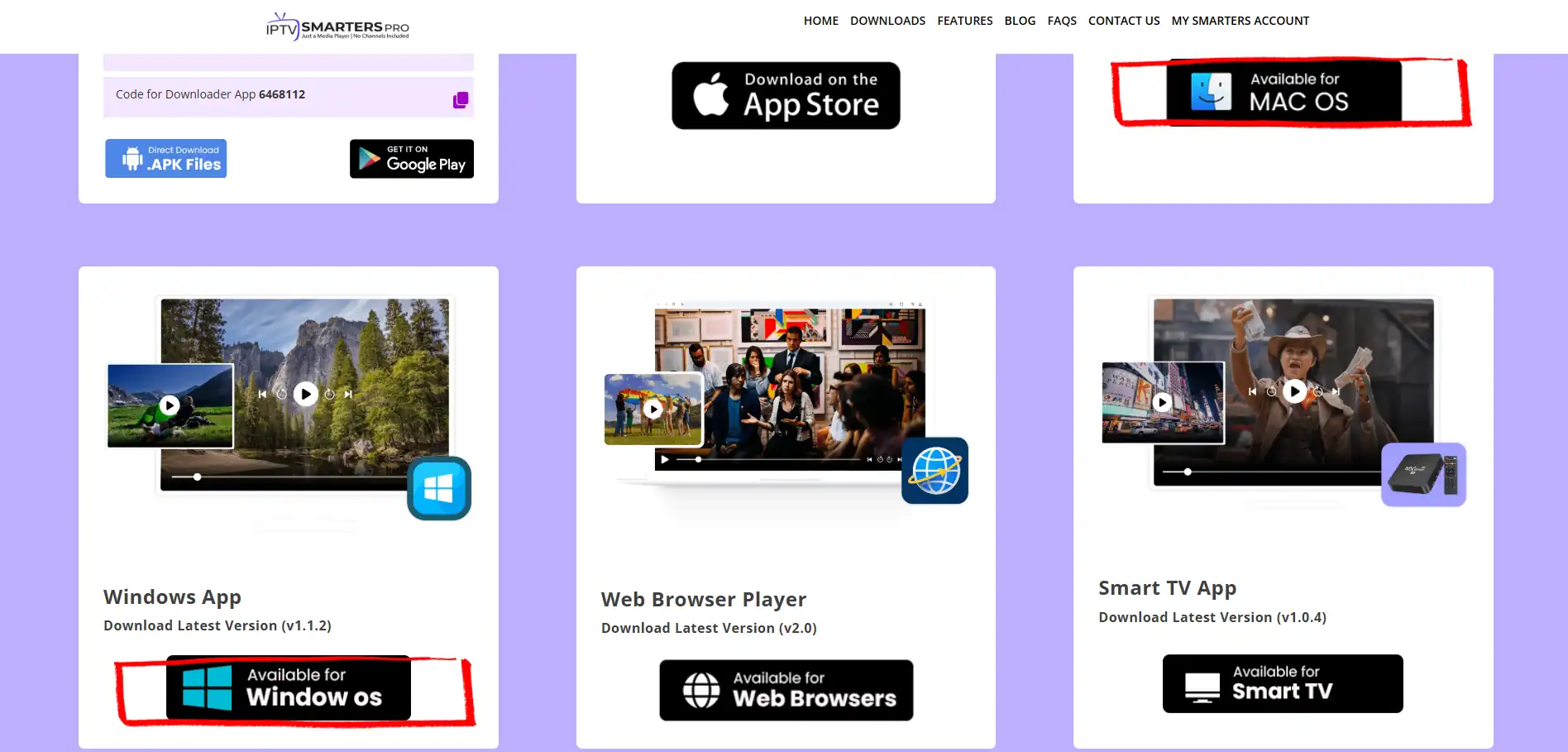
Go to iptvsmarters.com, open Downloads and pick the Windows or Mac version for your machine. The download starts on its own.
- 2
Run the installer
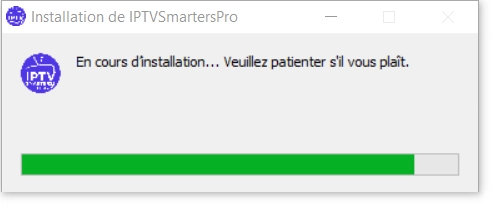
Open the file you just downloaded and click Yes if Windows asks. The setup runs in about half a minute. On a Mac, if it gets blocked, open System Settings, then Privacy and Security, and click Open Anyway.
- 3
Accept the terms
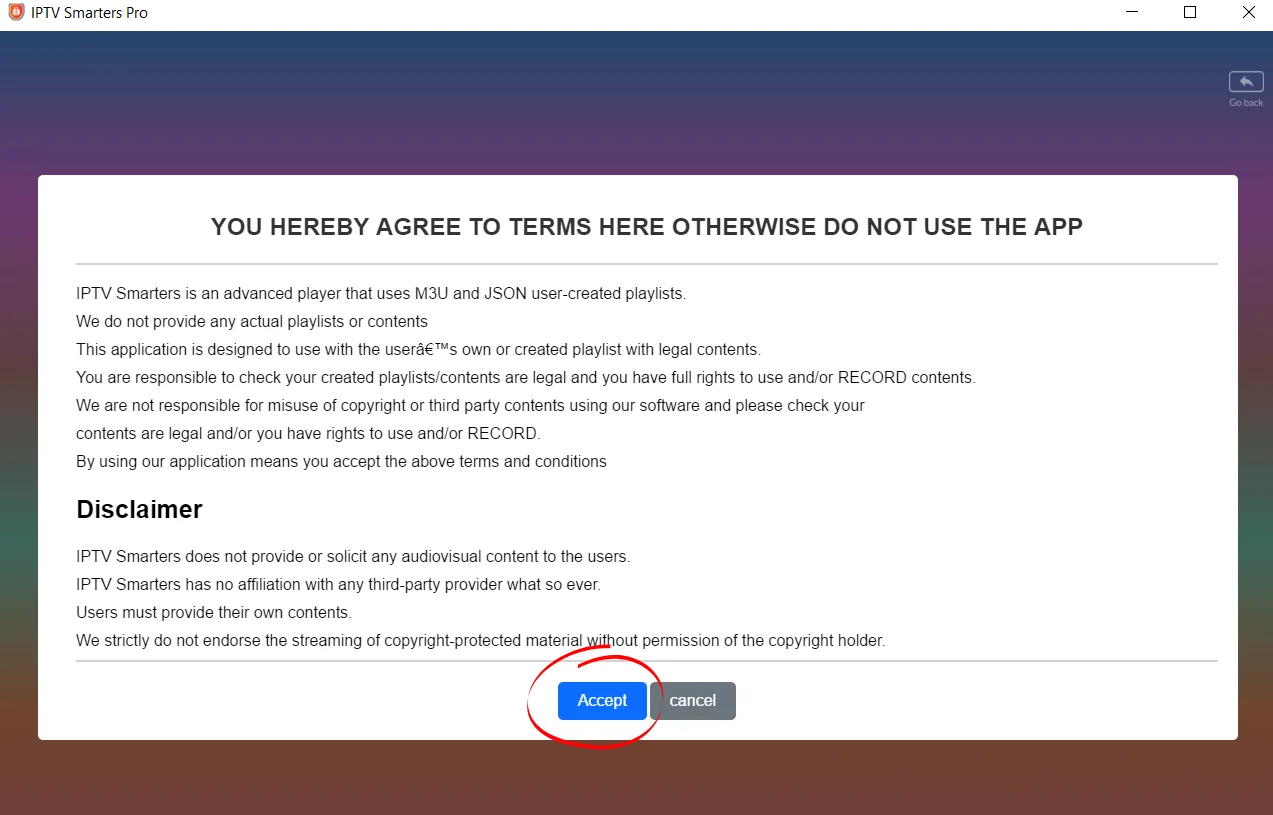
The first time it opens, a terms screen appears. It just confirms the app is a player with no channels of its own. Read it and click Accept.
Add your Vivimate playlist
Choose the Player API method and drop in the details from our setup message.
- 4
Choose Player API
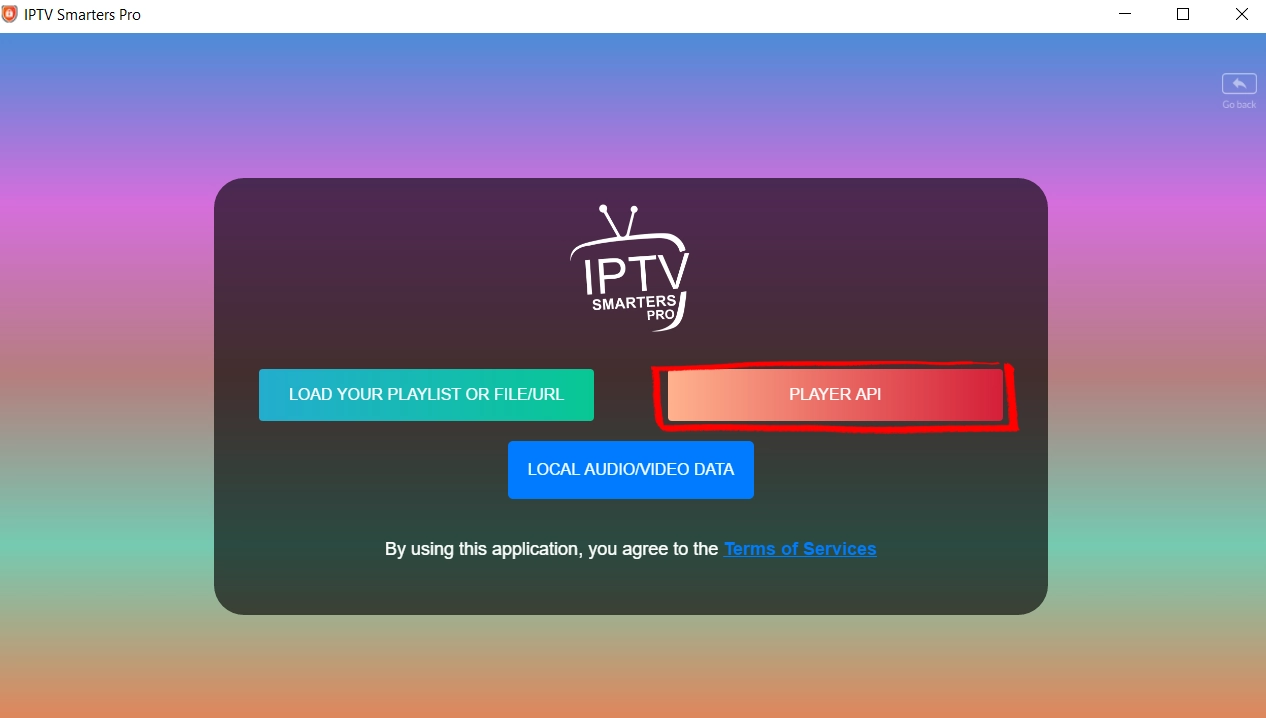
On the next screen you get a few options. Choose Player API, which is the Xtream Codes method and the one that matches the details we send you. If you only have an M3U link, choose Load Your Playlist instead.
- 5
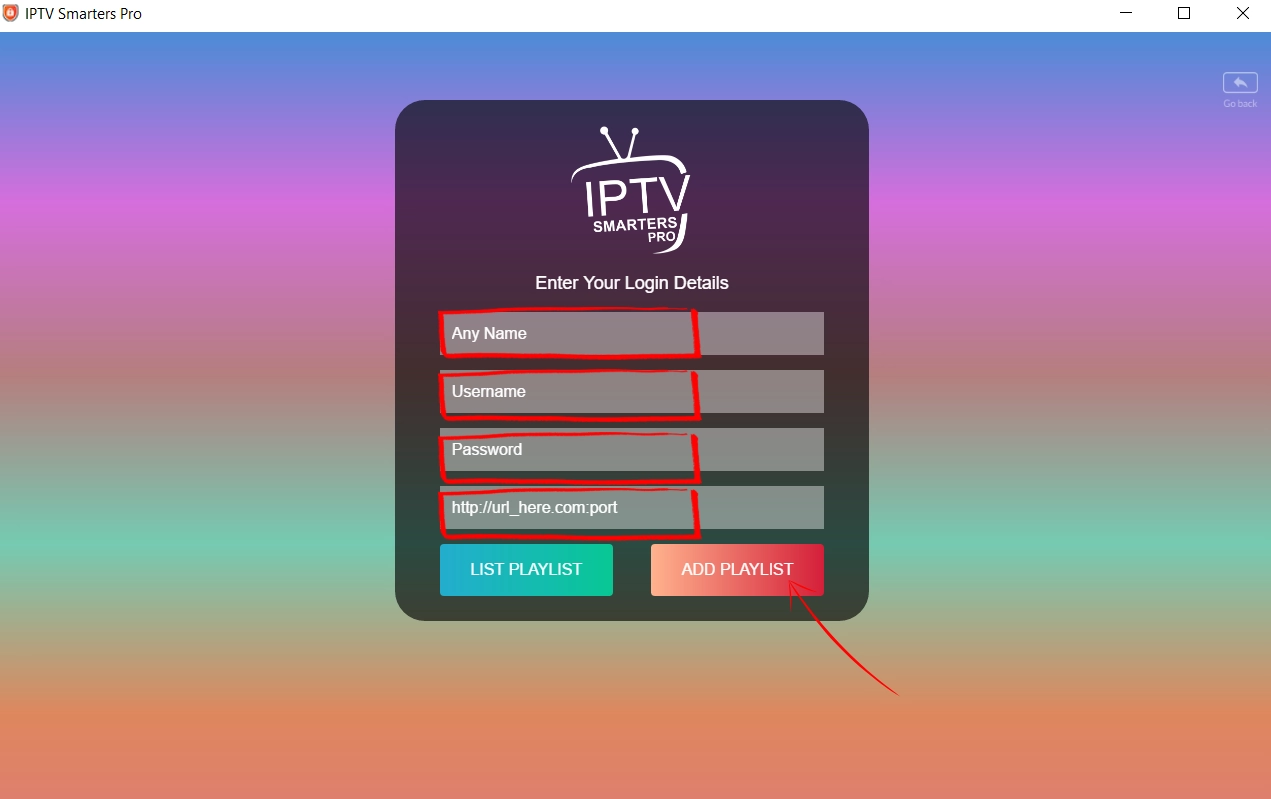
Enter your Vivimate details
Give it a name, then type in the username, password and server URL from our setup message. Click Add Playlist and give it a minute to pull your channels.
Start watching
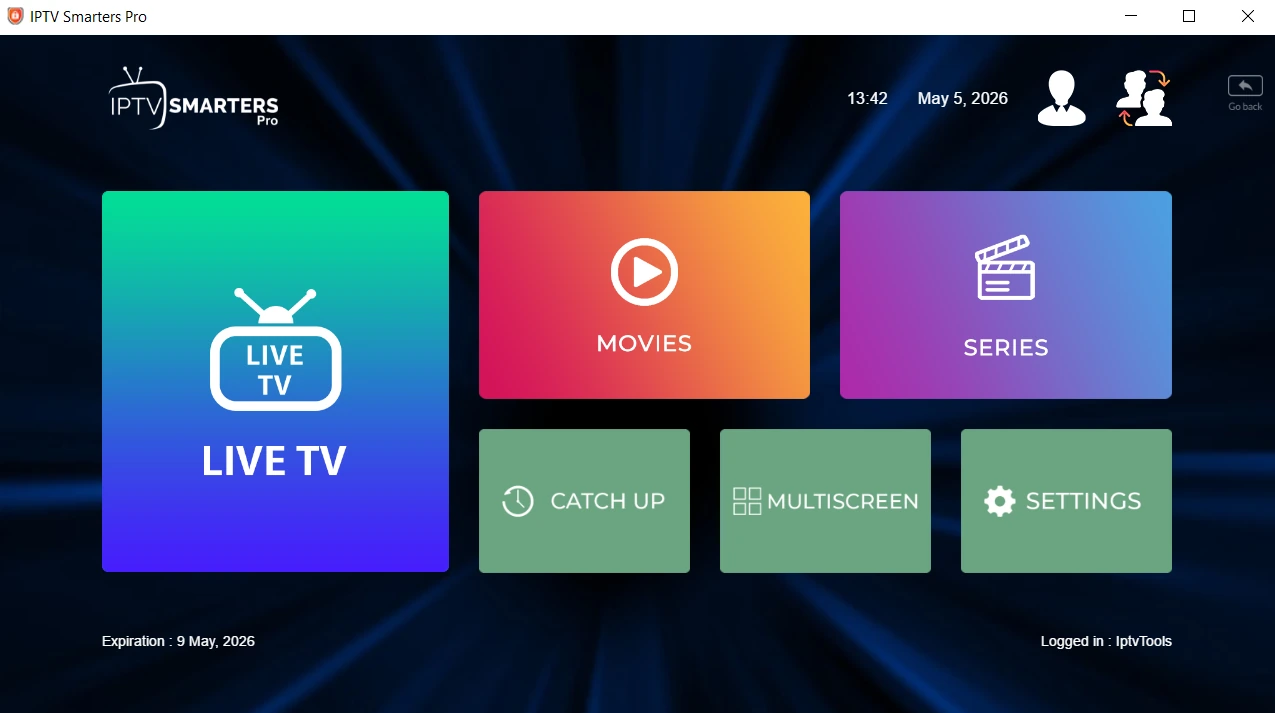
Land on the dashboard with Live TV, Movies and Series. There is a VLC shortcut here too if you just want a quick watch.
- 6
Start watching
Once the channels load you land on the dashboard with Live TV, Movies and Series. Click Live TV to browse and play. Prefer VLC for a quick watch? Open Media, then Open Network Stream, and paste the M3U link we send.
No subscription yet?
Your device is ready. Add the channels.
12,000+ live channels and 40,000+ on-demand titles, one price, no auto-renewal.
Setting up on another device?
Same playlist, a different screen. Pick the one you're using.
Got a question while setting up?
Message us your device and what you're seeing. We'll sort it, no charge.