Set up Vivimate IPTV on the screen you already own
Pick your Vivimate IPTV setup guide below, follow the screenshots, done. Every guide ends the same way: your channels loaded and playing. Stuck halfway through? We finish the job with you on WhatsApp. Not sure what TiViMate is or how it relates to Vivimate? We explain the difference, or go straight to the TiViMate setup guide.
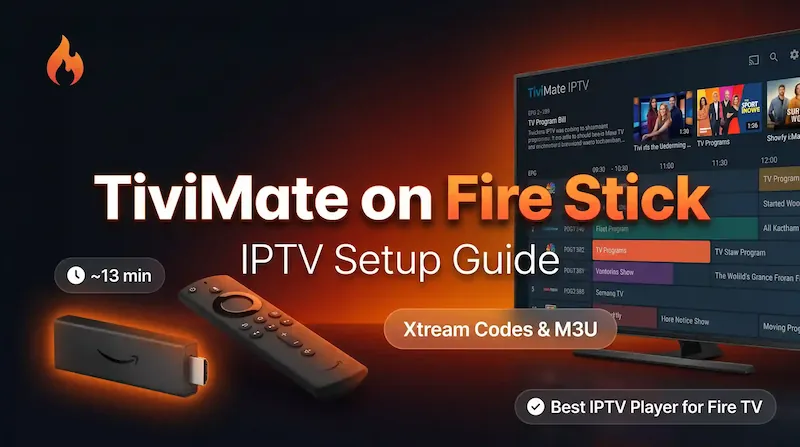
Amazon Fire TV Stick
The one most people start with. Sideload TiViMate through the Downloader app and you are watching in minutes.
Open guide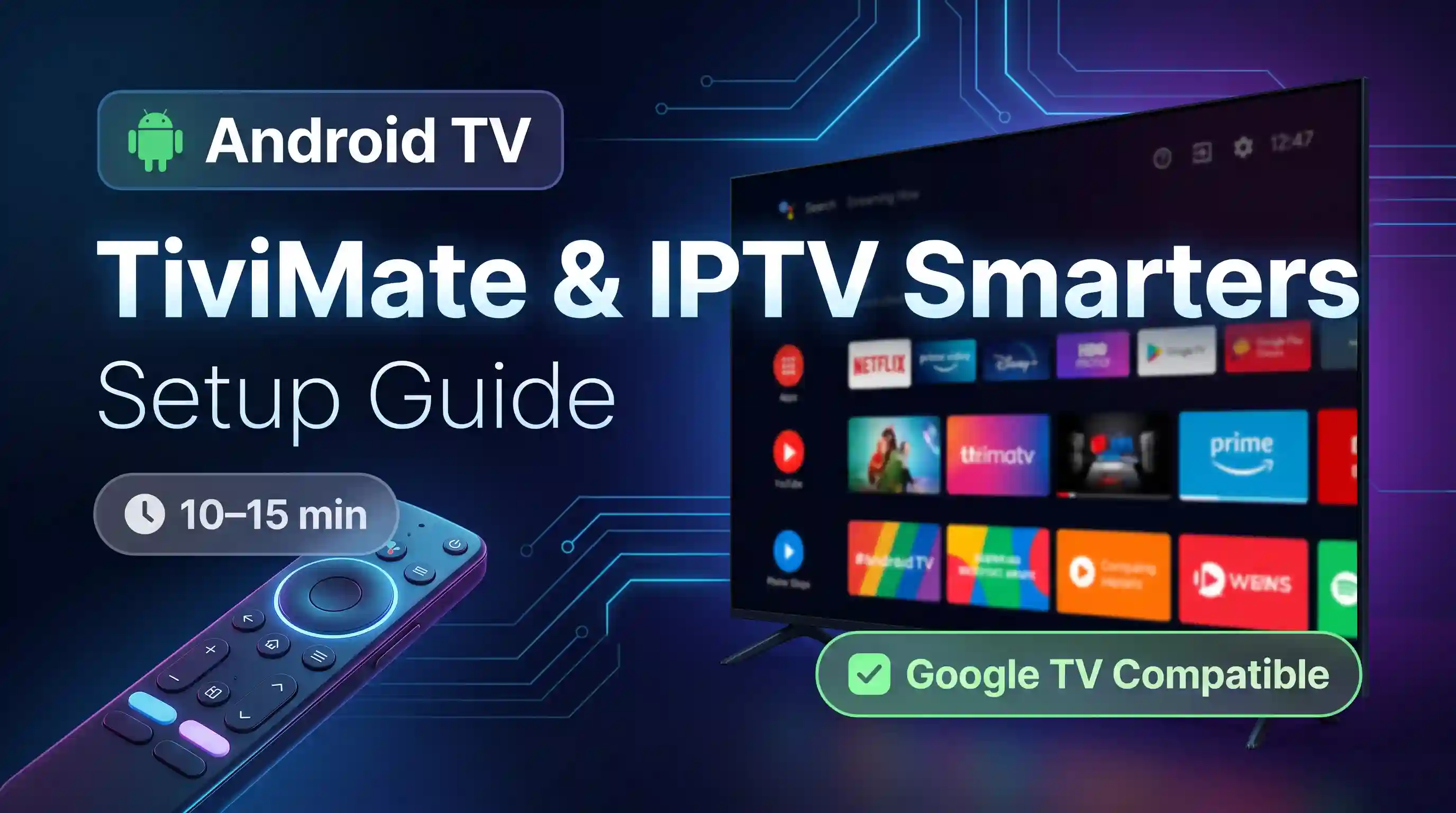
Android TV / TV Box
TiViMate or IPTV Smarters straight from the Play Store, then drop in the playlist.
Open guide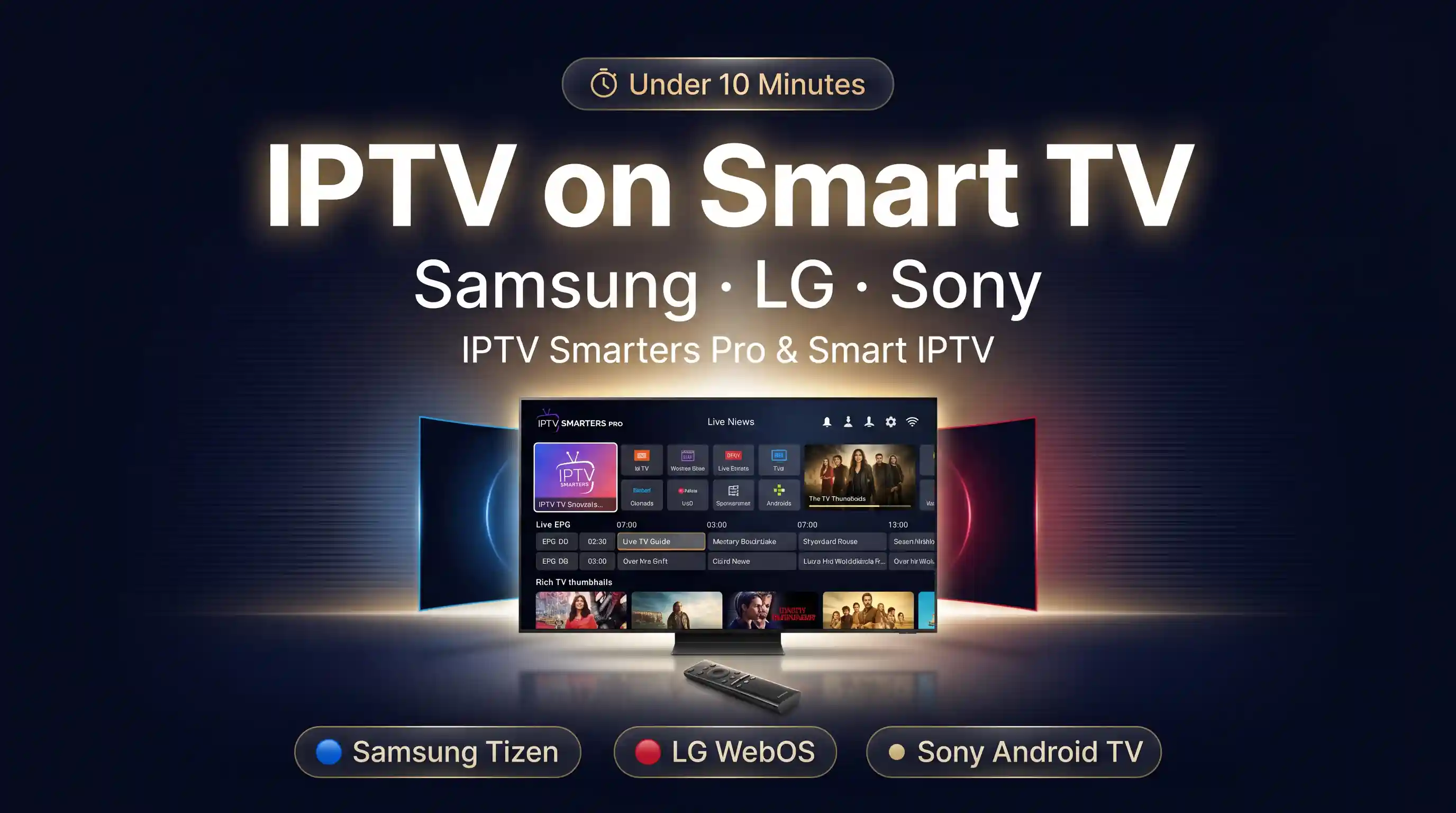
Samsung, LG & Sony Smart TV
No box, no stick. Install a player from your TV's own app store.
Open guide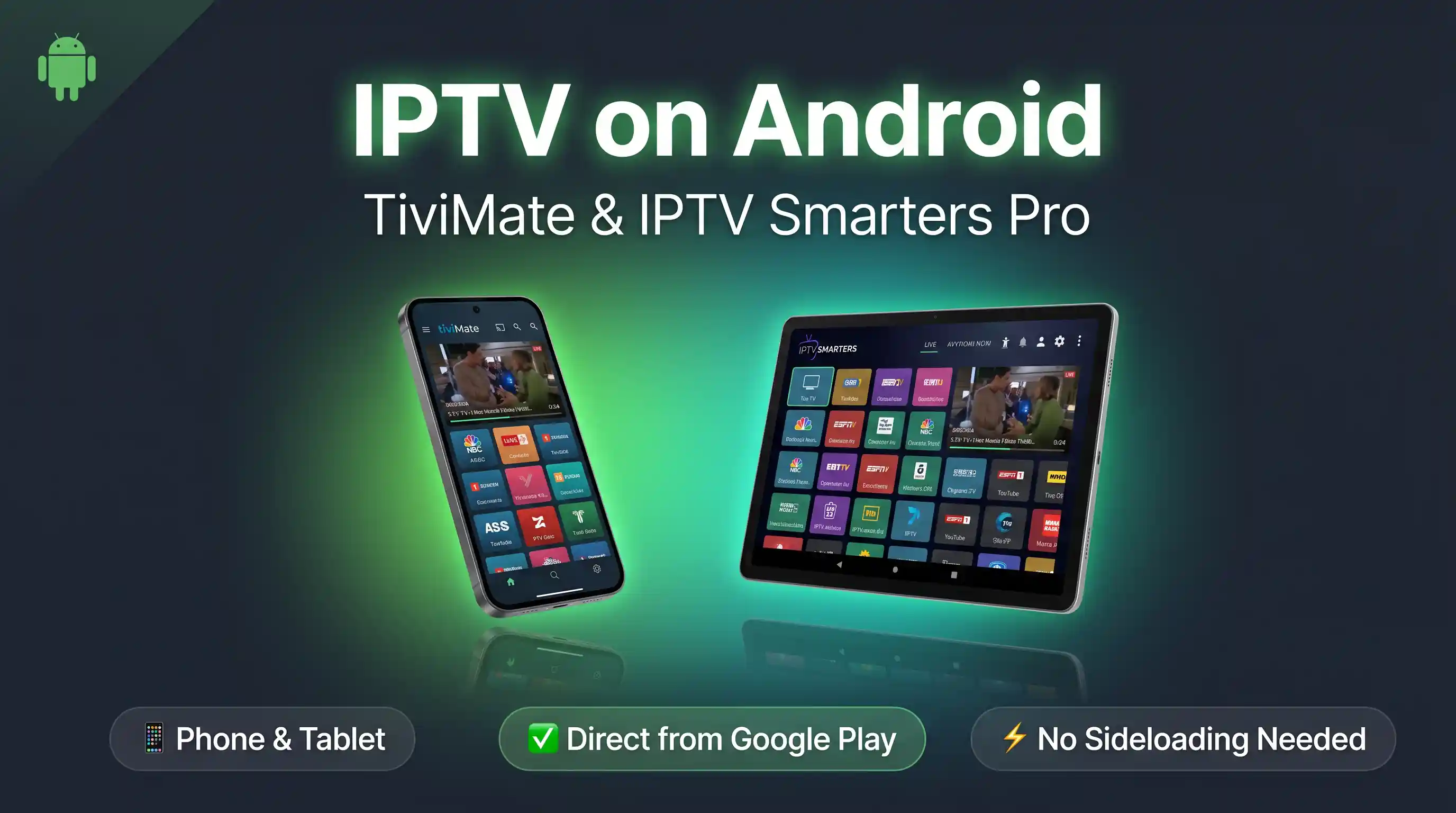
Android Phone & Tablet
The quickest of the lot. Install from the Play Store and go.
Open guide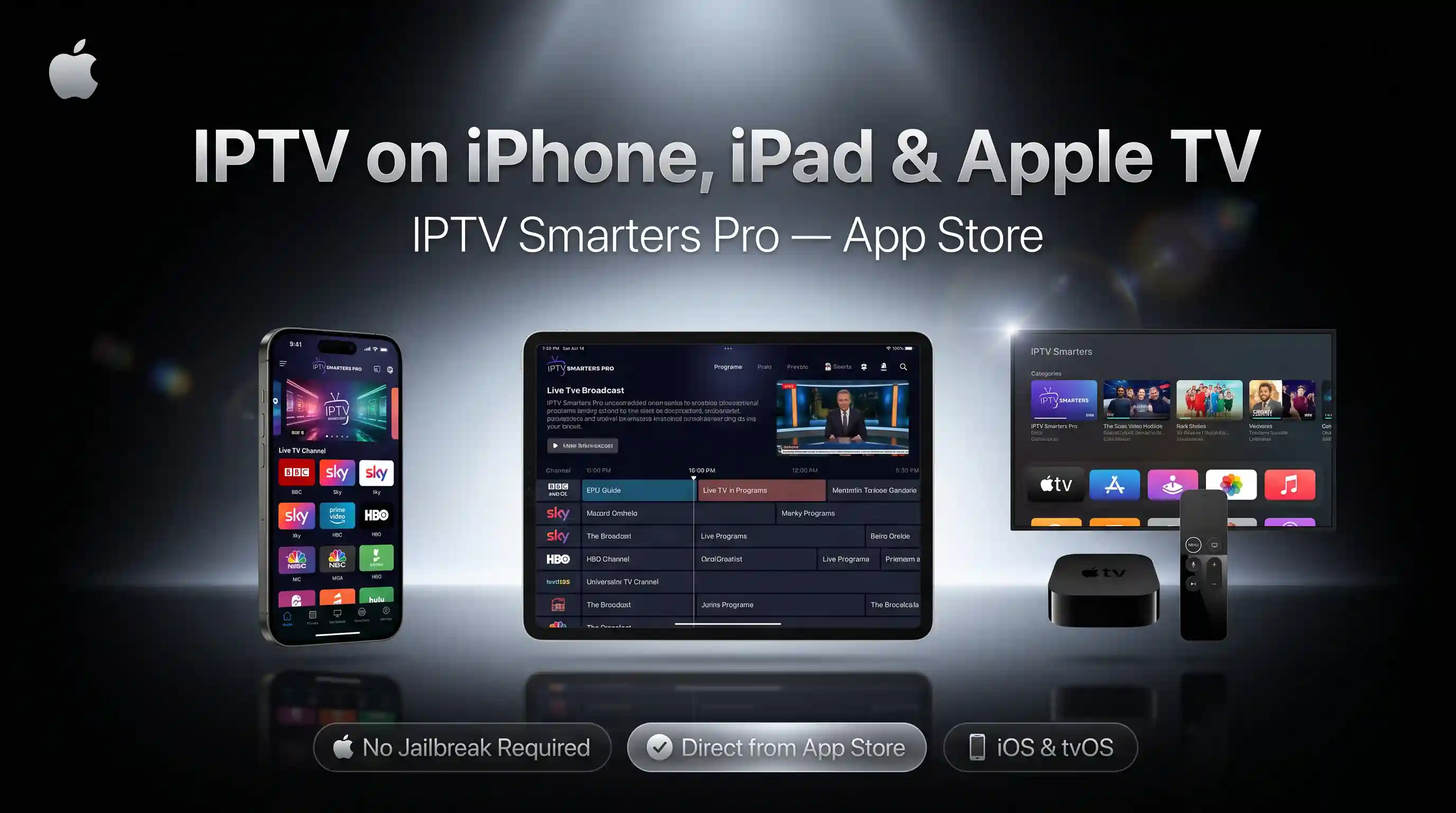
iPhone, iPad & Apple TV
IPTV Smarters Pro from the App Store. No jailbreak, no profiles to mess with.
Open guide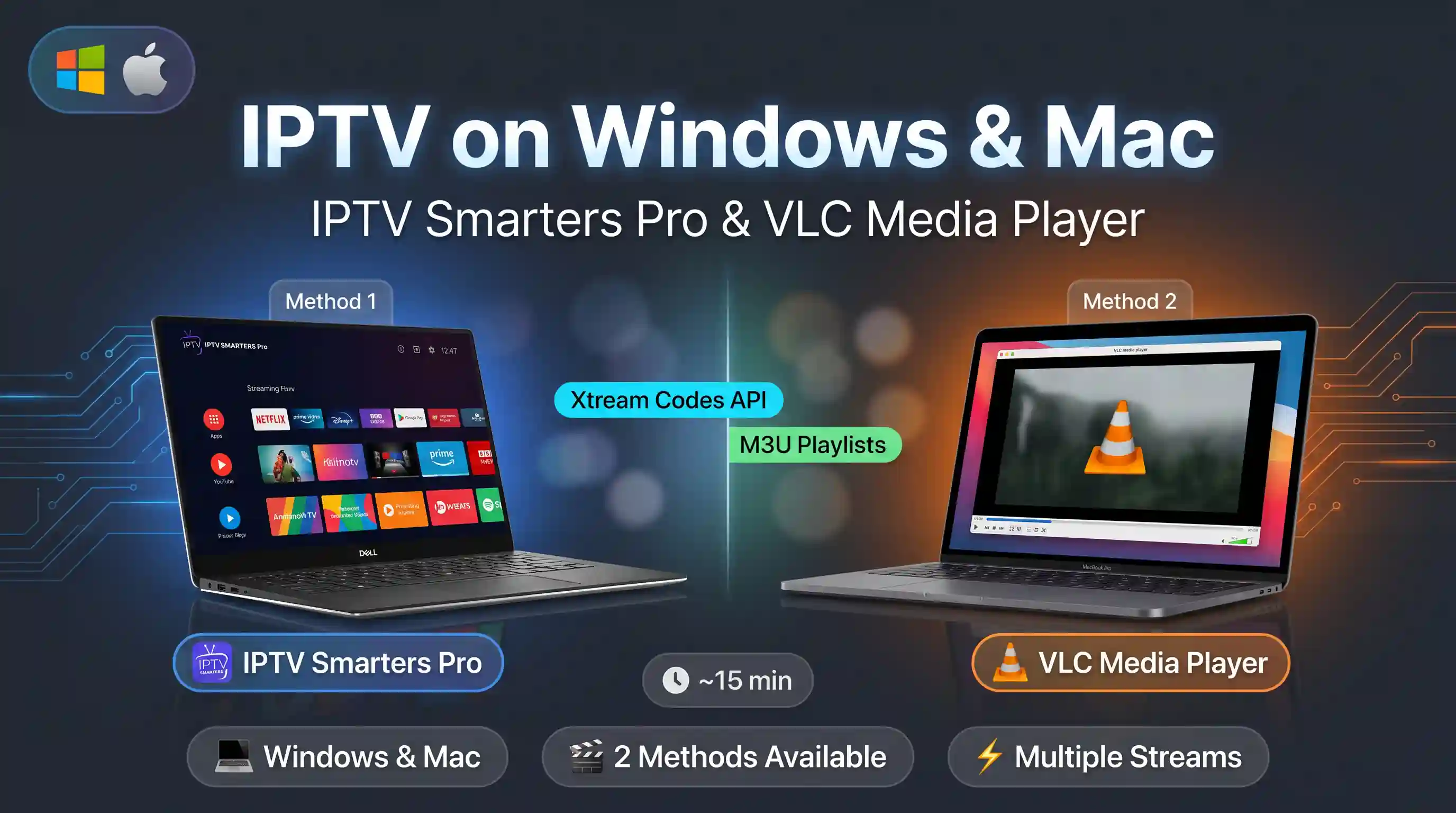
Windows & Mac
IPTV Smarters Pro for the full app, or VLC if you like it simple. Both are covered.
Open guideRather we just did it with you?
Send a message and we'll walk through it live on a call, or set it up for you while you watch. The help is free, whether you've bought yet or not.
Get setup help