IPTV UK Subscription Guide 2026
IPTV UK subscription options explained: pricing, supported devices, what to look for, and how to avoid low-quality providers in 2026. Updated for 2026.
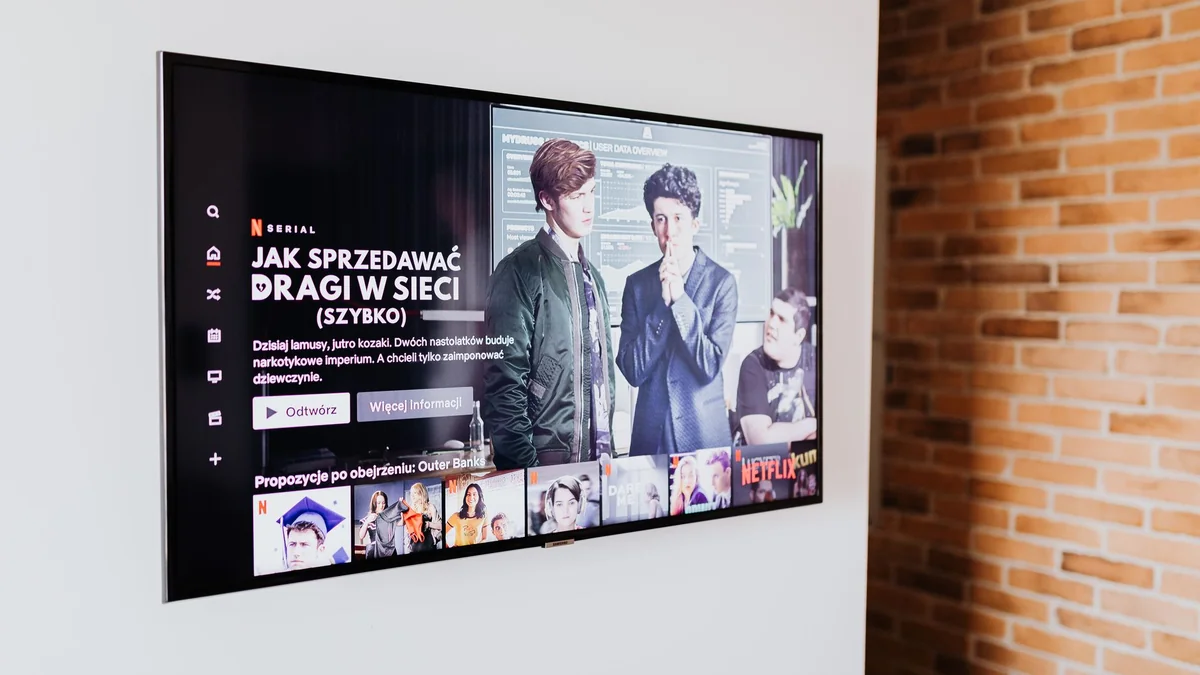
An IPTV UK subscription replaces your traditional aerial or satellite setup with internet-based streaming, giving you live channels, sports, and on-demand content through an app on any compatible device. The market has grown considerably in 2026, which makes it easy to find a plan but genuinely hard to tell reliable providers from the ones that will disappoint you at 3-0 in the 89th minute.
If you want a licensed option without spending hours researching, Vivimate is worth checking early. It operates legally, covers UK and international channels, and works across the devices most UK households already own.
Quick answer: An IPTV UK subscription gives you live TV channels, sports, and on-demand content streamed over your internet connection instead of a satellite dish or cable box. Pricing varies widely, so check individual providers for current offers, but most UK-focused plans are billed over six or twelve months and support Smart TVs, Firestick, and mobile devices. To get started, pick a licensed provider, choose a plan length, and receive login credentials that you enter into an IPTV app on your device.
What an IPTV UK subscription actually includes
The term gets used loosely, so it helps to know what you are paying for before handing over any money.
Live channels
A legitimate UK-focused plan typically carries the main free-to-air UK channels alongside a range of international options. The channel count advertised varies wildly. A figure like “20,000+ channels” usually includes vast numbers of international and foreign-language feeds alongside the UK ones you actually want. Ask specifically about the UK channel lineup if that is your priority.
Sports coverage
Sports is the main reason most people switch to IPTV. UK-focused providers generally carry Premier League, EFL, Formula 1, rugby, and golf alongside international football. The critical question is not whether sports are listed, but whether the streams run at a frame rate that makes fast-moving footage watchable. Most UK sports broadcasts run at HD 50fps, so that is the floor worth checking for.
VOD and catch-up
VOD libraries give you films and series on demand. Catch-up lets you watch programmes from the past few days. Both are common features, but the depth varies significantly. Some providers update their VOD weekly; others have large but stale libraries full of films you have already seen twice. If recent releases matter to you, ask how frequently new titles are added before committing.
EPG
An Electronic Programme Guide shows you what is on now and what is coming up. Without one, you are just scrolling through a raw channel list with no context. Most providers include an EPG, but quality differs. A well-maintained EPG updates automatically and actually matches the broadcast schedule, which sounds basic but is not always the case.
How IPTV UK subscription pricing works
Pricing structures are fairly consistent across the market in 2026. Most providers offer three, six, and twelve-month plans, with the monthly cost dropping the longer you commit.
The number of simultaneous connections is the other main pricing variable. A single-connection plan covers one screen at a time. Households that want two or three screens running at once need a higher-tier plan. Paying for connections you will not use wastes money; underestimating your needs causes login conflicts the moment a second device tries to connect.
Some providers also offer lifetime plans. These carry a higher upfront cost and no recurring payment, which sounds appealing. The practical concern is service continuity. A provider that disappears or degrades in quality after two years makes the lifetime fee look like a poor decision in hindsight. Shorter plans limit your exposure if quality drops.
Vivimate keeps its pricing transparent and ties plan tiers to connection counts, so you can match what you actually need without guessing.
Devices supported by UK IPTV subscriptions
Most providers support the same core list of devices:
- Amazon Firestick and Fire TV: the most common choice for UK households. You install an IPTV player app and enter your credentials.
- Android Smart TVs: support native IPTV apps directly from the TV’s app store.
- iOS and Android phones and tablets: useful for watching away from home.
- Windows and Mac via browser or desktop app: practical for watching at a desk.
- MAG boxes and dedicated IPTV hardware: popular with users who want a dedicated device separate from their main TV.
The setup process is broadly the same regardless of device: install a compatible player app, enter the M3U URL or Xtream Codes credentials your provider gives you, and the channel list populates automatically.
One thing competitors rarely mention clearly: the IPTV player app and the subscription are separate. Your provider gives you credentials; you need a player app to actually use them. Apps like TiviMate on Android or IPTV Smarters are widely used, but check your provider’s recommended list since some apps work better with certain server setups than others.
What separates a good IPTV UK subscription from a bad one
This is the gap most provider pages do not fill honestly, because answering it means admitting that not all services are equal.
Server reliability
Buffering during a live match is the most common complaint about IPTV. It happens when the provider’s servers are under load or when stream quality is inconsistent. Before committing to a plan, ask whether a short trial is available so you can test streams yourself during peak viewing hours, typically weekday evenings and weekend afternoons for sports.
Customer support
Many providers advertise WhatsApp support. The meaningful question is response time and whether support can actually resolve technical issues, not just send you a generic troubleshooting guide. Check independent reviews for comments on support quality, since the marketing page will not tell you much.
Licensing and legality
This is the issue most provider pages skip over or deliberately obscure. An unlicensed IPTV service streams content it has no legal right to distribute. Using one is not a grey area in the UK: Ofcom and rights holders have actively pursued both providers and, in some cases, subscribers. A licensed provider can show evidence of its legal status. If you cannot find clear licensing information on a provider’s site, that is a meaningful warning sign.
Vivimate operates as a licensed provider, which is the baseline you should expect from any service you pay for.
Uptime and redundancy
Providers often quote uptime figures. Independent verification of these claims is difficult, which is worth acknowledging honestly. What you can do is read recent user reports and test any trial period across different days and times before paying for a longer plan.
Setting up your IPTV UK subscription: a practical walkthrough
The process takes under fifteen minutes for most users.
- Choose your provider and plan. Decide on the number of connections and the plan length based on your household’s needs.
- Pay and receive credentials. Most providers send login details by email or WhatsApp shortly after payment. You will typically get an M3U URL or Xtream Codes server address, username, and password.
- Install an IPTV player app. On Firestick, search the Amazon Appstore for a compatible player or use the Downloader app to sideload one. On Android TV, the Play Store has several options.
- Enter your credentials. Open the player, navigate to playlist or provider settings, and enter the details from your provider. The channel list and EPG load from there.
- Test before peak hours. Run through a few channels, including a live sports stream if possible, to confirm everything works before you need it for an important match.
If something does not load, the most common causes are a typo in the credentials, a player app that is incompatible with your provider’s server format, or a firewall on your router blocking the stream port. Your provider’s support team should be able to walk you through any of these.
Frequently asked questions
Is an IPTV UK subscription legal?
It depends entirely on the provider. Licensed IPTV services have agreements with broadcasters and operate within UK law. Unlicensed services stream content without permission, which puts the subscriber at legal risk. Always check that a provider holds the appropriate licences before paying.
What internet speed do I need for a UK IPTV subscription?
A consistent 10 Mbps connection handles HD streams without issue. For 4K content on a single screen, 25 Mbps is a practical minimum. If multiple devices stream at the same time, multiply accordingly and make sure your router handles the load.
Can I use an IPTV subscription on more than one device?
Most providers sell plans by the number of simultaneous connections. A single-connection plan covers one screen at a time. If your household watches on two or three screens at once, buy a plan that matches that number, or you will get a login error on the second device.
What is catch-up TV and do IPTV subscriptions include it?
Catch-up lets you watch programmes that aired in the last few days, without needing a recording. Some IPTV providers include a seven-day catch-up window; others offer it only on higher-tier plans. Check the feature list before subscribing if catch-up matters to you.
How do I set up an IPTV UK subscription on a Firestick?
Install an IPTV player app from the Amazon Appstore or sideload one using the Downloader app. Open the player, go to its playlist or M3U settings, and enter the URL or credentials your provider sends you. The channel list loads automatically from there.