IPTV free trial: what to test and what to ignore (2026)
How to request an IPTV free trial, what to check during those 24 hours, and how to tell a real test from a demo. With a guide to testing Vivimate before you pay.
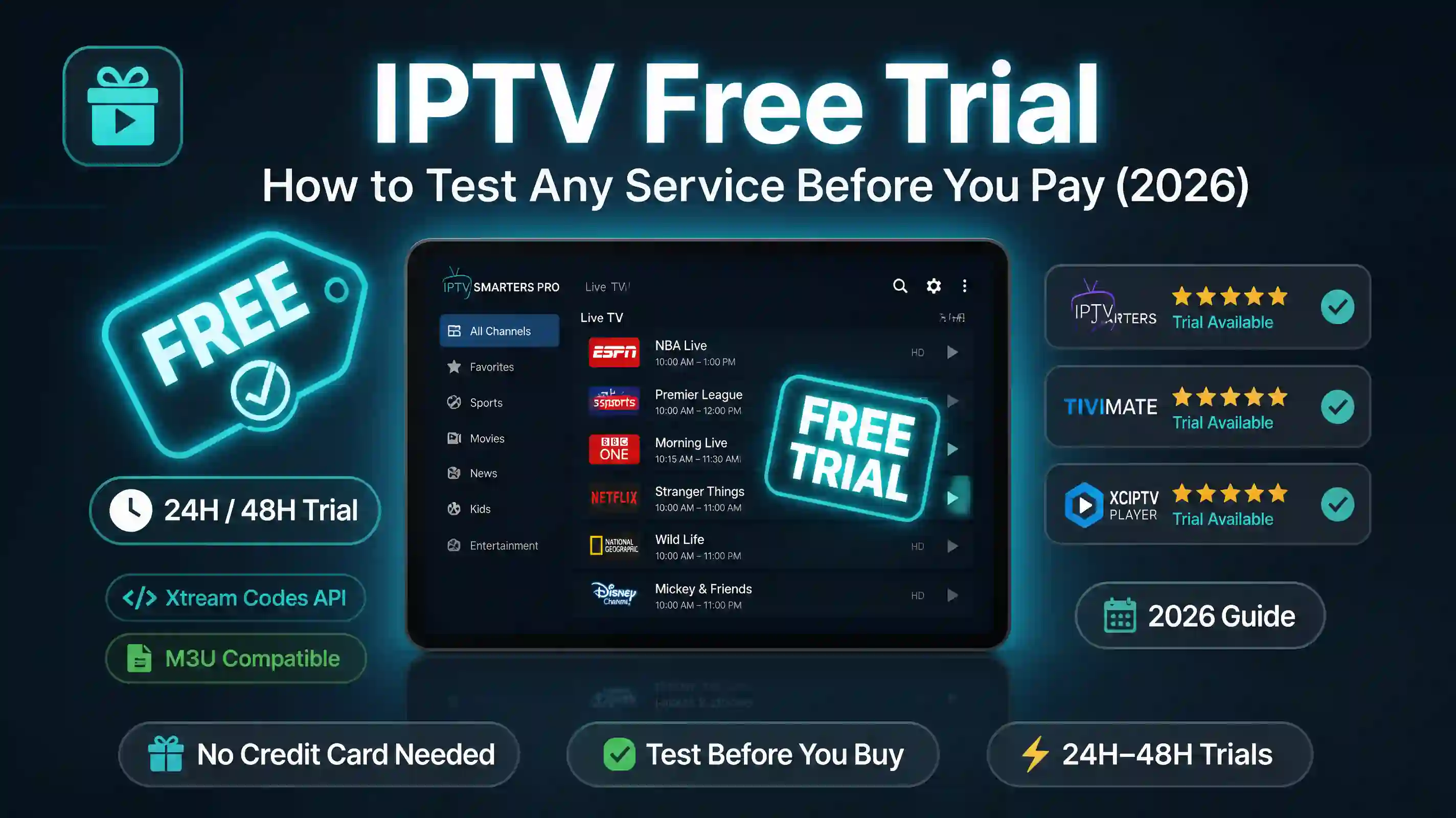
A trial tells you one thing: the service works right now. It does not tell you whether it holds up on a Saturday evening during a Premier League match, or whether the server gets overwhelmed when a few thousand subscribers tune in at the same time. That gap is worth understanding before you spend 24 hours clicking through channels.
Most people who get burned by an IPTV subscription find out at the worst possible moment, halfway through a match that is not coming back.
What a trial confirms
A trial confirms the basics. The playlist loads. The streams play. The app works on your device. Those things matter. If the trial already has problems, you have your answer and you move on.
What a trial cannot confirm is stability under load. Most IPTV servers run fine on a Tuesday afternoon. Friday evening at 8pm during a Champions League fixture, with thousands of subscribers watching at once, is a different situation entirely. A 24-hour trial that runs Wednesday morning captures the easy hours.
That is not a reason to skip the trial. It is a reason to time it correctly.
When to run it
Run your IPTV trial during prime time. In the UK that means 6pm to 10pm on a weekday. In the US, the east coast evening window is roughly the same. If there is a match, race, or game you care about during the trial window, watch it. That is the closest thing to a real stress test you can run.
If there is nothing relevant on, pick one channel and watch it continuously for ten minutes. One channel, ten minutes, no interruptions. Buffering that takes thirty seconds to appear often shows up after a few minutes of continuous playback, not in the first few seconds when you are clicking around. Flipping between channels hides the problem.
How to actually test it
Test on the device you plan to use. A stream that plays fine in a laptop browser can behave differently on a Fire Stick or an older Android TV box. The player app and the hardware both affect what you see. If your plan is to watch on the TV, test on the TV, not on a laptop as a proxy.
Go through the specific channels you watch. A service can list 50,000 channels and still be missing the four that matter to you, or have them present but running at lower quality than advertised. Pull up your actual watch list and check each one.
If films and series matter to you, test the VOD section too. Live channels and on-demand content often come from different parts of the infrastructure. A service can have solid live streams and unreliable VOD. Both are part of what you are paying for.
Write something down. Memory during a trial is unreliable. A stream that buffers once and recovers is different from one that drops every few minutes. Even a short note on your phone — which channel, what happened, what time — is useful when you are deciding afterwards.
Real trial vs fake trial
Some providers call things trials that are not trials. The two most common versions: a locked demo stream that plays the same clip on a loop, or a subscription with a short cancellation window where you get charged if you forget to cancel.
A real IPTV trial looks like this. You receive a playlist file or Xtream Codes login credentials. You add them to your player app, TiViMate or IPTV Smarters or whichever you use. The channels load. The streams are the same ones paying subscribers use. No payment information required before access.
If a provider asks for card details before sending the trial, the trial is not free. If the trial link only plays one channel or one pre-recorded clip, it is a demo. Neither one tells you what the service delivers day to day.
Licensed services do not need to lock trials behind payment. They give access because they want you to see the real product.
How Vivimate’s free trial works
Request one through the form on the free trial page or message directly on WhatsApp. No credit card, no payment details at any point. Within a few hours you receive a real playlist. It is the same playlist paying subscribers use, with the same channel catalogue for your region.
You have 24 hours. That is enough time to run a proper test if you use it on an evening. The channel list has the full breakdown of what is included, so you can identify which channels to focus on before the trial even starts.
If you run into a setup problem during the trial, message on WhatsApp. App configuration, device compatibility, a channel that will not load, whatever it is, someone will sort it. That support is there whether you are trialling or paying, and it does not disappear after you subscribe.
When the 24 hours end, the playlist stops. No automatic charge, no conversion to a subscription, no action required on your side. If you want to continue, you choose a plan and pay for it. If not, nothing happens.
Want to test it yourself? Request a free trial and run it on your own device tonight. No card needed.
What to do after the trial
If the trial worked: pick a plan length. The 12-month plan works out to around $5 per month. If a full year feels like too much before you have watched it through a few rounds of sport, the 3-month plan at $24.99 is the practical middle option.
If the trial had problems: describe what happened when you message back. Buffering on a specific channel, a region that is missing, a device compatibility issue. In most cases there is a fix, and what looks like a service problem turns out to be a configuration one that takes a few minutes to resolve. Worth asking before writing it off.
If the streams buffered: check the buffering guide first. A large share of buffering complaints come down to home WiFi rather than the IPTV server. Wired ethernet fixes the problem most of the time.
If the trial was fine but you are still unsure: the licensing page has the broadcaster registration details. The legitimacy page has customer messages from people who went through the same process. There is no deadline.
The only review that actually counts is the one you run on your own TV.