Best IPTV service in 2026: what actually separates them
The honest guide to the best IPTV service in 2026, written by an IPTV provider. What to check, how to compare, and what to filter out entirely.
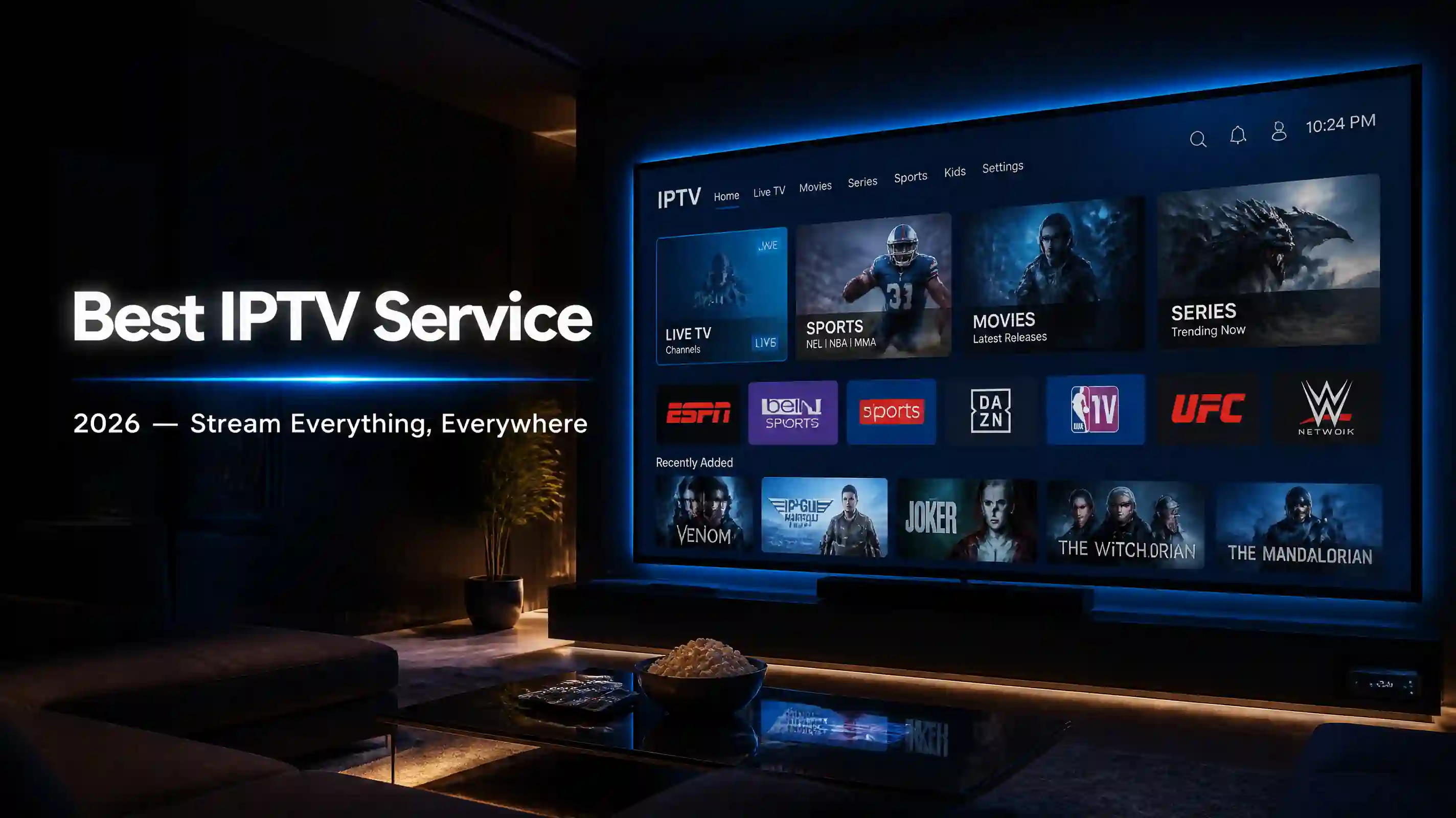
Searching for the best IPTV service in 2026 returns pages written by affiliate marketers who tested a free trial for twenty minutes, placed the service paying the highest commission at the top, and moved on. We’re an IPTV provider, so the conflict of interest runs the other way.
Worth knowing upfront. Use the criteria here on us or on anyone else.
What the best IPTV service actually looks like
The difference between the best IPTV services and the ones that aren’t worth your money is not the channel count. Every listing on the first page of Google claims somewhere between 20,000 and 80,000 channels. That number doesn’t tell you whether those channels work, whether the service holds up on a Saturday evening when every subscriber is watching the same match, or whether the company behind it still exists in three months.
Four things actually separate the IPTV service providers worth paying for from the ones worth avoiding.
Licensing you can verify
Legal IPTV exists because the operator has paid for the right to distribute the content. In the UK, Ofcom maintains a public register of all licensed broadcasters. In the US and EU, equivalent national regulators exist. A service that cannot or will not tell you anything about licensing is not a licensed service.
The practical risk for subscribers is not just legal exposure. Unlicensed services disappear without notice because they have no legal standing and nothing keeping them in place. When enforcement catches up or the servers go down, the service is gone. Subscribers who paid for a year upfront have no recourse.
A licensing page with a verifiable number you can look up against the regulator’s records is the minimum bar.
Uptime during actual peak hours
Testing an IPTV service at 10am on a Tuesday is not a test. The real question is whether it holds at 8pm on a Saturday when the servers are under serious load.
Few IPTV service providers publish uptime data with that granularity. The only reliable way to check is to run a trial during a live event you care about. One uninterrupted hour on one channel during peak time tells you more than a week of off-peak browsing.
Channel accuracy, not channel count
The claimed count and the working count are often different numbers. A service can list 50,000 channels with 3,000 that actually stream reliably in your region, and the rest broken, regionally locked, or duplicate feeds of the same source.
Check the specific channels you watch before committing. The full channel breakdown is on the site before any conversation. If a service won’t show you its catalogue without messaging someone first, that’s already useful information.
Support that works when something doesn’t
When a channel goes down or a playlist stops loading, you want a person who can diagnose it. The difference between that and a ticket system that closes without fixing anything shows up the first time something actually breaks.
How the main IPTV services compare in 2026
These are the services that come up most consistently in IPTV communities, Reddit threads, and subscriber forums where people compare notes honestly.
| Service | Licensed | Free trial | Monthly | Annual |
|---|---|---|---|---|
| Vivimate | Yes (Ofcom) | 24 hours, no card | $14.99 | $59.99 |
| Kemo IPTV | Not published | Yes | ~$12.00 | varies |
| Xtreme HD IPTV | Not published | Yes | ~$14.99 | varies |
The licensing column is the one that matters most. Kemo and Xtreme HD may hold rights they haven’t published publicly, but the absence of verifiable licensing information is a gap worth knowing about. If you need self-serve checkout without a conversation, either may work better for your setup than Vivimate does today. That is a real trade-off.
On Reddit and in IPTV subscriber communities, the recurring complaint about unlicensed services is not quality during setup but reliability six months in. Services that looked fine at the start disappear during a season finale or a knockout round. Licensed services have legal and financial reasons to stay running.
Vivimate
Best for: licensed streaming, live sport, UK and US markets, subscribers who want a human on the other end during setup.
- 55,000+ live channels, 200,000+ VOD titles
- 24-hour free trial, no card required
- Ofcom broadcasting licence, publicly verifiable
- WhatsApp setup with a real person
- Pricing from $14.99/month to $59.99/year
Weak point: no instant self-serve checkout yet.
Kemo IPTV
Best for: subscribers who want self-serve setup without a conversation.
- Large channel catalogue with multi-screen support
- Self-serve signup and instant playlist delivery
- No publicly available licensing information
- Pricing starts around $12/month
Weak point: licensing status is not verifiable. Long-term reliability is an open question.
Xtreme HD IPTV
Best for: subscribers who prioritise 4K streams and are comfortable with unverified providers.
- Focuses on 4K and HD stream quality
- Self-serve checkout
- No publicly verifiable licence
- Pricing starts around $14.99/month
Weak point: same licensing gap as Kemo. The 4K catalogue varies by region.
Vivimate: our pick and where it falls short
The case for Vivimate: licensed and verifiable, pricing published before any conversation, 24-hour free trial with no card required, and support that stays available through setup. The channel catalogue covers 55,000+ live channels and 200,000+ on-demand titles, with regional filtering so your playlist doesn’t include channels you can’t actually access.
Uptime over the past year averaged 99.9%, including during Premier League evenings and Champions League knockouts when servers are under their heaviest load. The buffering guide exists because the most common complaints trace back to home WiFi rather than the service. It’s worth running through that before assuming the problem is on our end.
For US subscribers, the catalogue includes all major US sports packages: NFL, NBA, MLB, and NHL, alongside US news and entertainment channels. The same IPTV subscription covers UK and European sport if you travel or have family across markets.
The honest downside: onboarding runs through WhatsApp. A person sends your playlist and walks you through setup. Some people find that better than a broken auto-install. Others want to click “buy” and have it work immediately, and that is not how Vivimate works yet. The setup guides cover every device step by step, and WhatsApp support is available throughout.
Pricing is $14.99 per month, $24.99 for three months, $49.99 for six months, or $59.99 for a full year. No automatic renewal, no introductory rate that changes later.
Want to run a proper test? Request a free trial and watch it on your own device during peak hours. No card needed.
Best IPTV service by device
The player app and device combination matters as much as the service itself. Here’s how the main options shake out across the most common setups.
Fire Stick: TiViMate is the best player for Fire Stick. It is not on Amazon’s store, so you sideload it through the Downloader app using code 272483. The step-by-step Fire Stick setup guide covers the full process. Vivimate’s WhatsApp support walks you through it if you get stuck.
Android TV and Android boxes: IPTV Smarters Pro and TiViMate both install directly from the Play Store. Android boxes generally handle 4K streams better than Fire Sticks because of the more open hardware. Most Vivimate subscribers on Android TV are set up in under ten minutes.
Smart TV: Samsung and LG both support IPTV through apps available in their stores. Stability varies by TV model and firmware version. If a smart TV app gives trouble, a $35 Fire Stick or Chromecast plugged into the same TV is a more reliable path.
iPhone and iPad: IPTV Smarters Pro is available on the App Store. It works cleanly for live channels, though VOD navigation is less polished than TiViMate on Android.
Windows and Mac: GSE Smart IPTV and IPTV Smarters for desktop are the most stable options. VLC also loads M3U playlists directly, though without an EPG.
The full device setup guides cover each of these in detail.
What to filter out entirely
Several services that rank alongside the best IPTV services in search results are not worth evaluating. The tells are consistent: no licensing information, pricing that doesn’t add up for a service paying rights fees (under $5 per month for a claimed 100,000 channels), checkout only through PayPal Friends and Family or crypto, and a domain less than a year old.
These services work until they don’t. When enforcement catches up or the economics stop adding up, the service disappears. Subscribers who paid for six months or a year are not getting that money back.
The vetting checklist on the legitimacy page covers every check worth running before paying any IPTV provider. The list applies to us too. If you want to verify any service’s UK broadcasting licence independently, the Ofcom broadcast licence register is publicly searchable by name.
How to make the final call
Run a trial during prime time. Watch the specific channels you care about on the specific device you plan to use. If you watch sport, do it during a match, not a replay or a preview stream. One uninterrupted ten-minute stretch on one channel tells you more than flipping through fifty in quick succession.
Ask about licensing. The best IPTV service answers that question with a verifiable number, not a vague claim about being “fully legal.” If the answer is vague, treat it as an answer.
Check the pricing structure. Year-long IPTV subscription deals at a reasonable monthly rate are standard. Pressure to pay upfront for a year without having run a trial first is not.
The services operating on the same domain for two or more years, with a registered company behind them and licensing you can verify, are the ones worth paying for. Everything else is a bet on how long they last.
For the legal side of IPTV in the UK, US, and EU, we’ve covered whether IPTV is legal in detail, including what licensing actually means in practice and how to check any service against a regulator’s public records.