The best IPTV player for Fire TV Stick
TiViMate and IPTV Smarters Pro are the two players worth using on a Fire Stick. Here is what each one does well, what it costs, and which to pick depending on how you watch.
You need two things to watch IPTV on a Fire Stick: a subscription and a player app. The subscription gives you the channels. The player is the app that actually displays them. They are separate, and the player choice matters more than most people expect.
There are a handful of apps in this category but two that are actually worth using: TiViMate and IPTV Smarters Pro. Everything else is either a step below in quality or has persistent issues with Fire Stick hardware.
TiViMate
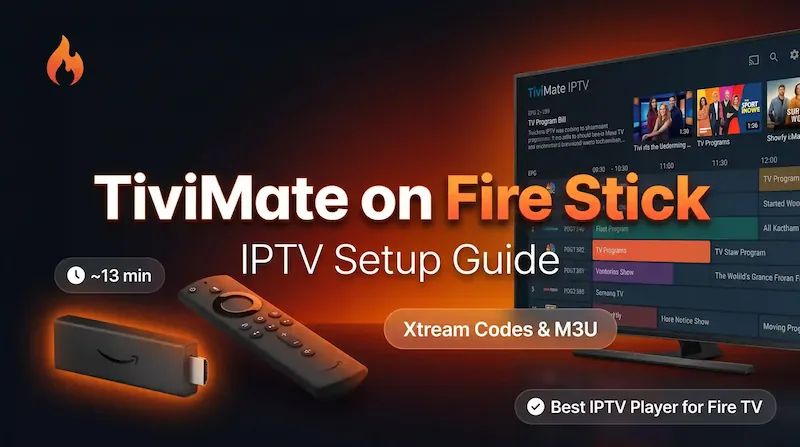
TiViMate is the better app. The interface is cleaner, the EPG integration is more reliable, and it handles large channel lists without slowing down. Multi-view (watching two streams at once) works properly. The catch-up feature functions when the provider supports it. The UI looks like something that was actually designed rather than assembled.
The downsides are two. First, it is not on the Amazon app store, so you have to install it through the Downloader app using a short code. It takes about ten minutes the first time and you never have to do it again. Second, the free version has limitations that become annoying quickly: you cannot add a second playlist, EPG settings are locked, and certain features are greyed out. The paid version (TiViMate Premium) is a one-off purchase of around $34, or around $10 per year on the annual plan. For anyone who watches daily, the lifetime version is worth it.
We have a step-by-step guide for installing TiViMate on a Fire Stick if you want to go through that route.
IPTV Smarters Pro
IPTV Smarters Pro is on the Amazon app store, which means you install it the normal way through the Fire Stick’s own search. No sideloading, no developer settings. It is free and covers the basics: live channels, VOD, series, and Xtream Codes login.
The interface is not as good as TiViMate. Navigation can be sluggish on older Fire Stick models, the EPG display is functional rather than pleasant, and the VOD browsing is awkward with a remote. That said, it works, and it works on the first try without any setup beyond typing in your credentials.
If you just want something running in the next five minutes and you are not bothered about the interface, Smarters is the right choice.
What matters when choosing a player
The technical requirements for an IPTV player are simple: Xtream Codes and M3U playlist support, an EPG that actually loads and updates, and performance that does not degrade after the app has been running for a few hours. Both TiViMate and Smarters cover these.
Beyond that, it comes down to how you use the TV. If you are switching between sports channels, keeping an eye on the guide, and occasionally recording something, TiViMate’s interface makes that much easier. If the TV mostly plays in the background and someone else in the house is handling it, Smarters gets the job done with less friction to set up.
The short version
Get TiViMate if you want the best experience and do not mind spending ten minutes on installation and around $34 for the Premium unlock. Get Smarters if you want to be watching in under five minutes and are happy with a simpler interface.
Either way, the subscription is separate from the app. We set up Vivimate on both without any issue.