Vivimate vs TiViMate: they're not the same thing
The names look alike, so people compare them. But one is a streaming service and the other is an app you watch it in. Here's the difference, and how they fit together.
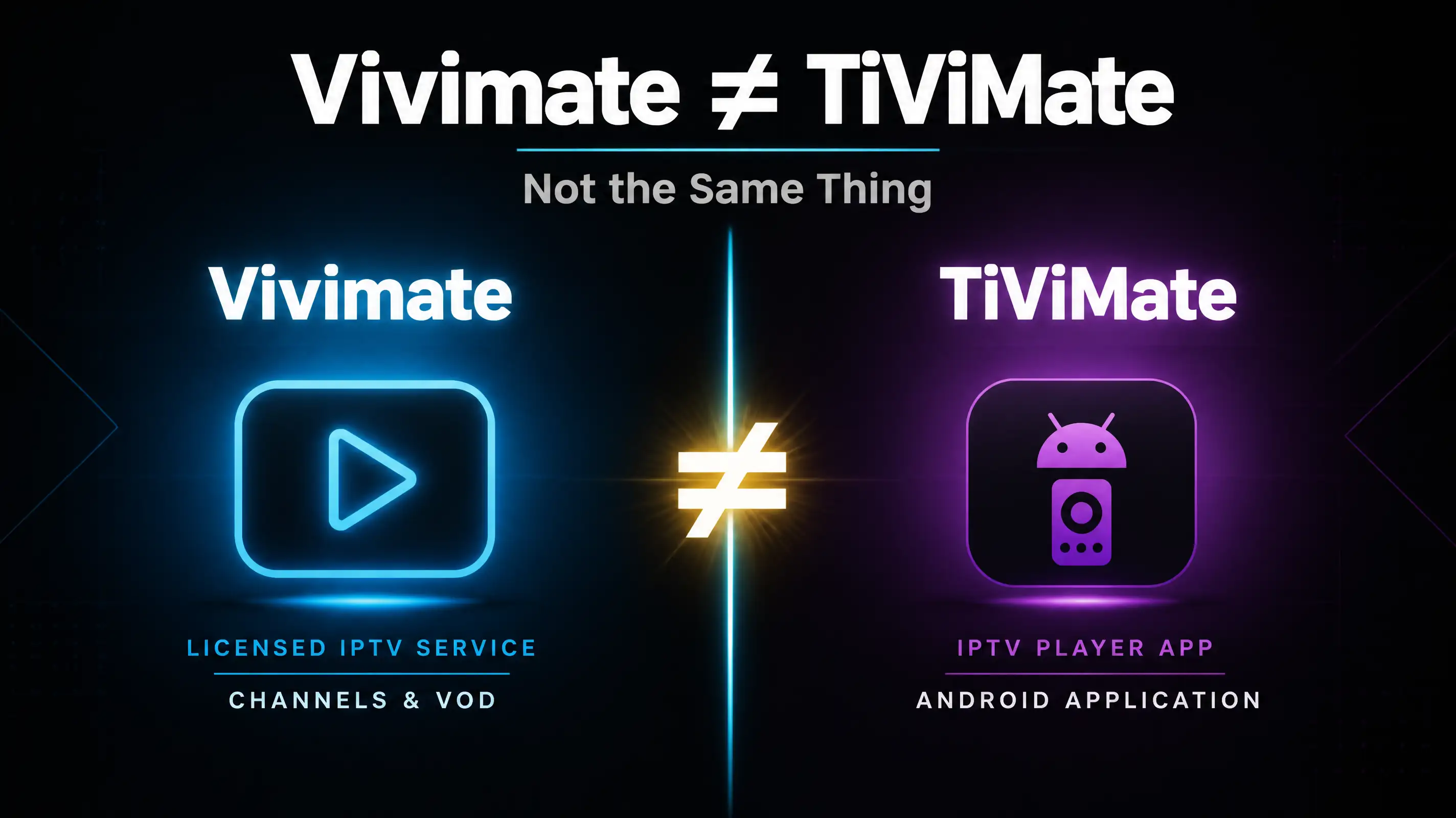
If you typed “vivimate vs tivimate” into Google, you were probably trying to figure out which one to buy. Here’s the short answer that saves you the rest of the article: you’re not actually choosing between them. They do different jobs. One is the subscription that gives you channels. The other is an app you can watch those channels in.
So the comparison most people are after doesn’t really exist. But the confusion is real and worth clearing up, because the wrong mental model leads to the wrong purchase.
What TiViMate actually is
TiViMate is a player. It’s an Android app, popular on Fire TV Sticks and Android TV boxes, and it’s good at one thing: taking an IPTV playlist you already have and turning it into a clean channel guide with an EPG, favourites, and recording. That’s it. It doesn’t come with channels. You point it at a source, and it plays whatever that source streams.
This is the part that trips people up. TiViMate is empty out of the box. It’s a nice steering wheel with no car attached. The car is the subscription, and TiViMate has nothing to do with where you get it or whether it’s legal.
What Vivimate is
Vivimate is the subscription. We’re a licensed IPTV service: you pay us, we give you the channels and the on-demand library, and we hand you a playlist that works. We’re the source, not the player.
You can watch that source in a few different apps depending on your device. On a Fire Stick or Android TV box, TiViMate is one of the nicest ways to do it. On a Samsung or LG smart TV you’d use something else. The point is the channels are ours and the app is your choice.
So can I use them together?
Yes, and a lot of people do. If you like the TiViMate interface, you install it, drop in the playlist we send you during setup, and you get our channels inside the guide you already prefer. We wrote the exact steps in how to add Vivimate to TiViMate, and we’ll walk you through it on WhatsApp if you’d rather not do it alone.
That’s the honest version of the “vs” question. It isn’t Vivimate or TiViMate. For a lot of households it’s Vivimate in TiViMate.
Where the real comparison sits
If you strip away the name mix-up, the choice you’re actually making is between IPTV services, not players. And that’s where the thing worth checking lives: is the service you’re feeding into TiViMate a legal one?
A player like TiViMate is neutral. It’ll happily display a pirated stream or a licensed one, the same way a TV will show whatever’s plugged into it. The legality lives entirely in the subscription. So the question isn’t “is TiViMate legal” (it’s just an app), it’s “is the source I’m putting into it paying for the content it streams.” If you want the longer version of how to vet that, we wrote it up in Is Vivimate legit?.
The quick summary
| TiViMate | Vivimate | |
|---|---|---|
| What it is | A player app | A streaming subscription |
| Comes with channels? | No | Yes |
| Runs on | Fire TV, Android TV | Most TVs, phones, boxes |
| Can you use both? | Yes, together | Yes, together |
Want to try our channels in your own setup? Ask for a trial on WhatsApp. If you’re a TiViMate person, tell us and we’ll get the playlist loaded in it with you. No card needed to look.
One last thing, since this is the internet and somebody always asks: we’re not affiliated with TiViMate, and nothing here is a knock on the app. It’s good software. We just keep getting messaged by people who thought they were the same product, and they’re not.